
Does it work as a second monitor?
It can be used as a compact second display when connected with a supported device and input method. Please check the final product specifications before buying.
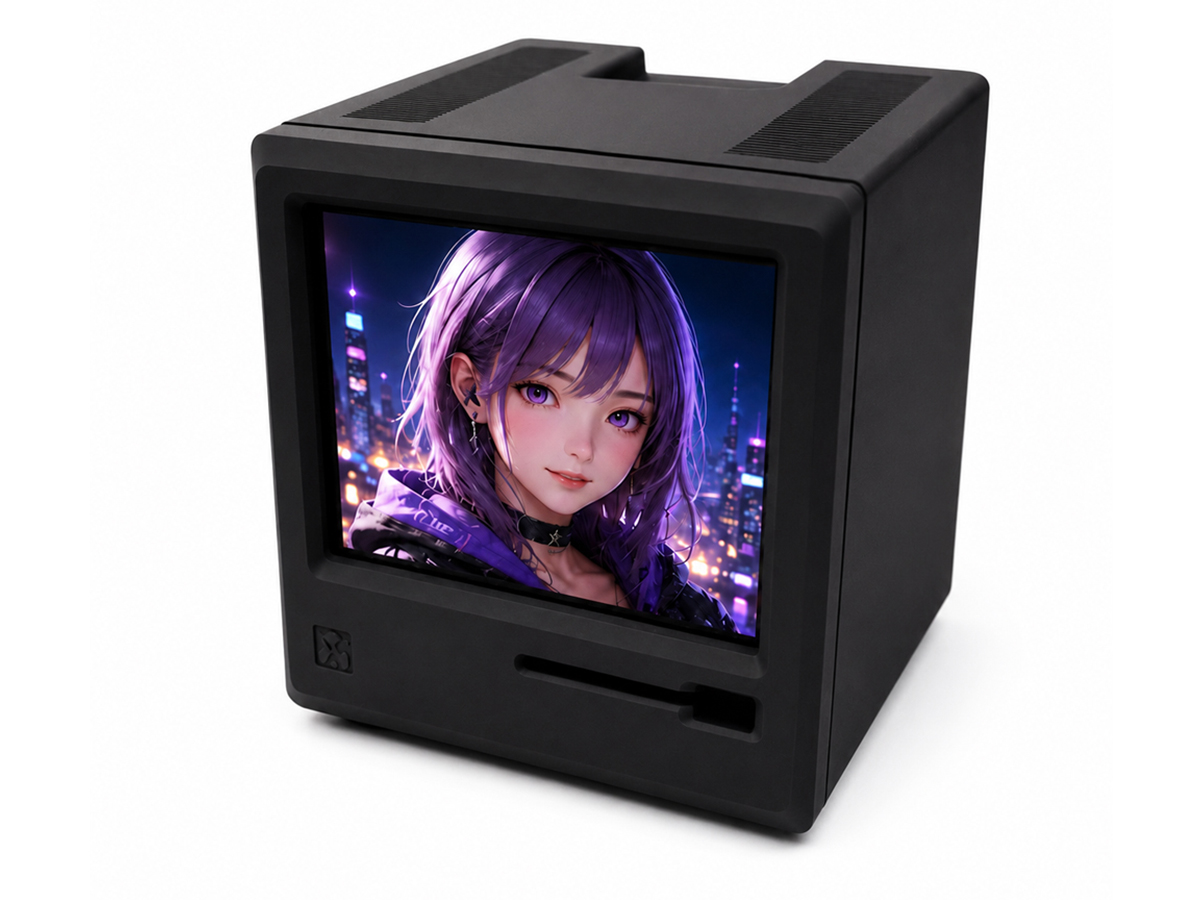
IPS LCD, Type-C / MINI HDMI, 640X480, 74HZ
Direct Website Price
RM 69.98
Direct website unit price
Product price only. Shipping calculated at checkout.
Malaysia Shipping Region
Quantity
Direct website orders may offer a better price by reducing marketplace fees. You can also choose Shopee or Lazada for marketplace checkout and platform support.
PayPal is available for direct website orders. If PayPal is not convenient for you, please contact us for other payment options.
Product Details
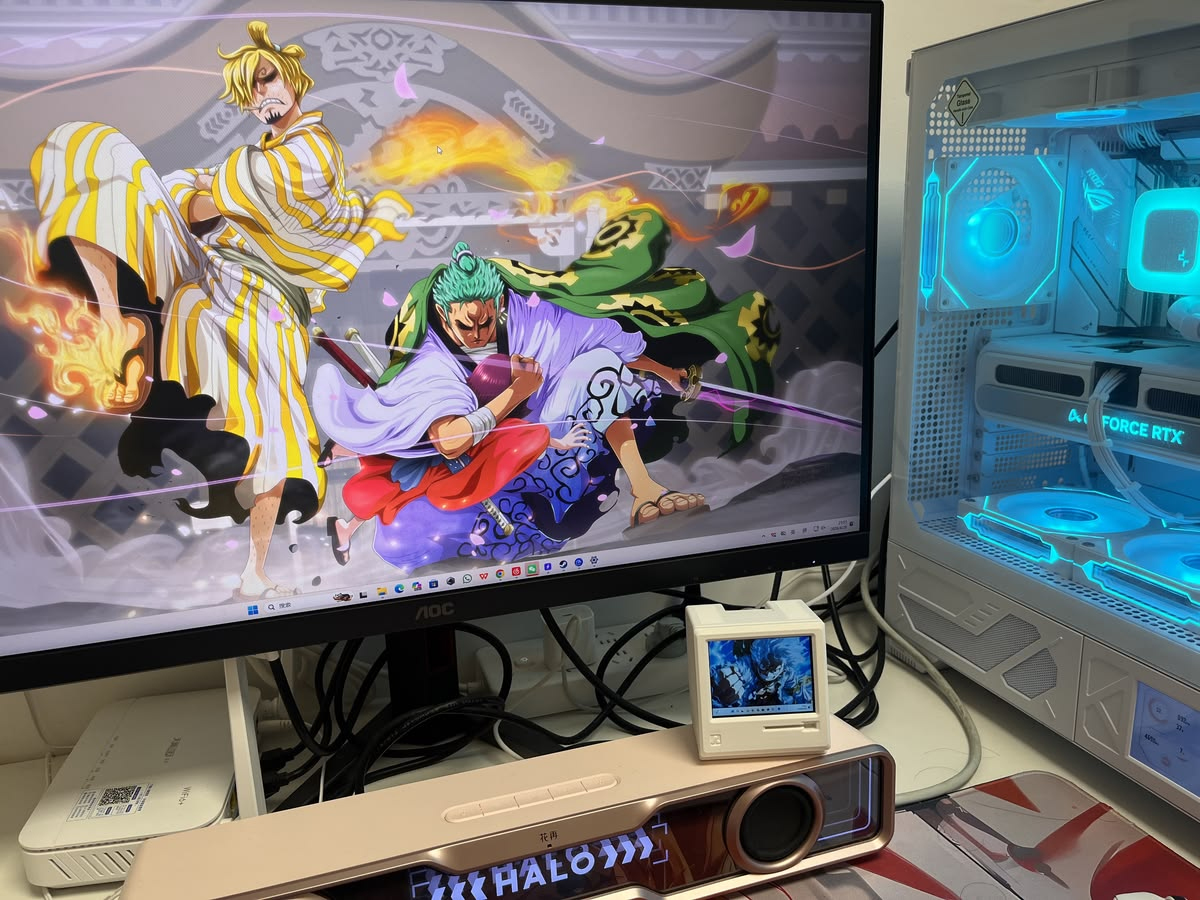
A small display option for compact setup projects.
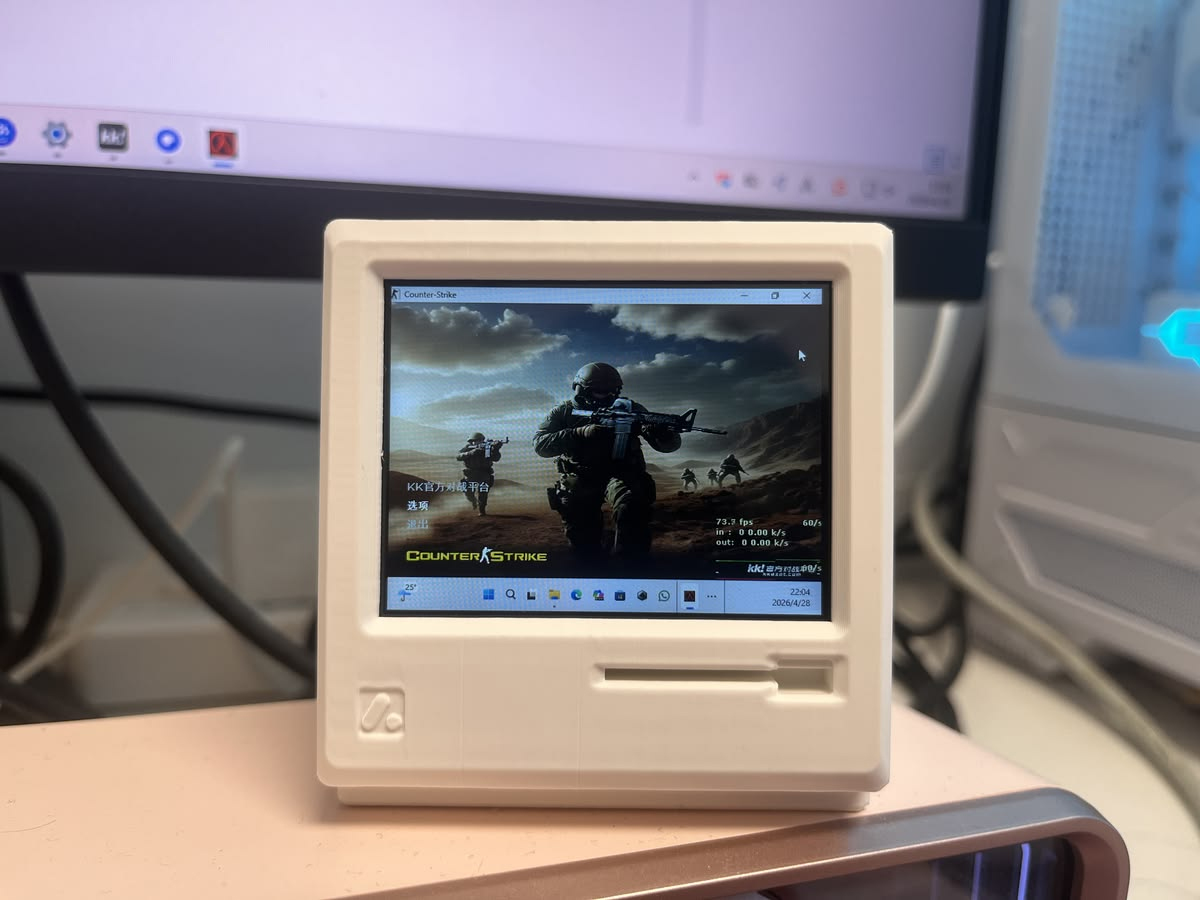
Use it as a compact screen for desktop information display.
It can be used as a compact second display when connected with a supported device and input method. Please check the final product specifications before buying.
It is suitable for compact desktop setups, small display projects and limited-space applications.
No. It is plug and play for basic display use and does not require extra software.
Please check whether the screen backlight turns on first. If there is no backlight, the power cable may not be connected firmly. Then check whether your computer detects an external display. If it does not, the cable may not be connected firmly, or the HDMI port on your computer may need checking or cleaning.
We recommend connecting it directly to your computer whenever possible. Adapter connections may be less stable depending on the adapter, cable and computer port.
Yes. We test every product before shipment. We respect every customer and also hope customers can communicate with us first if any issue happens, so we can help check and solve the problem properly.
Yes. The HDMI cable and USB power cable included with the product are standard quality cables that support normal product use. If you have higher-quality or branded cables, you can use your own cables as well.
You can buy directly from our website with PayPal, or select your country and choose Shopee or Lazada if you prefer marketplace checkout and platform support.
Related Products
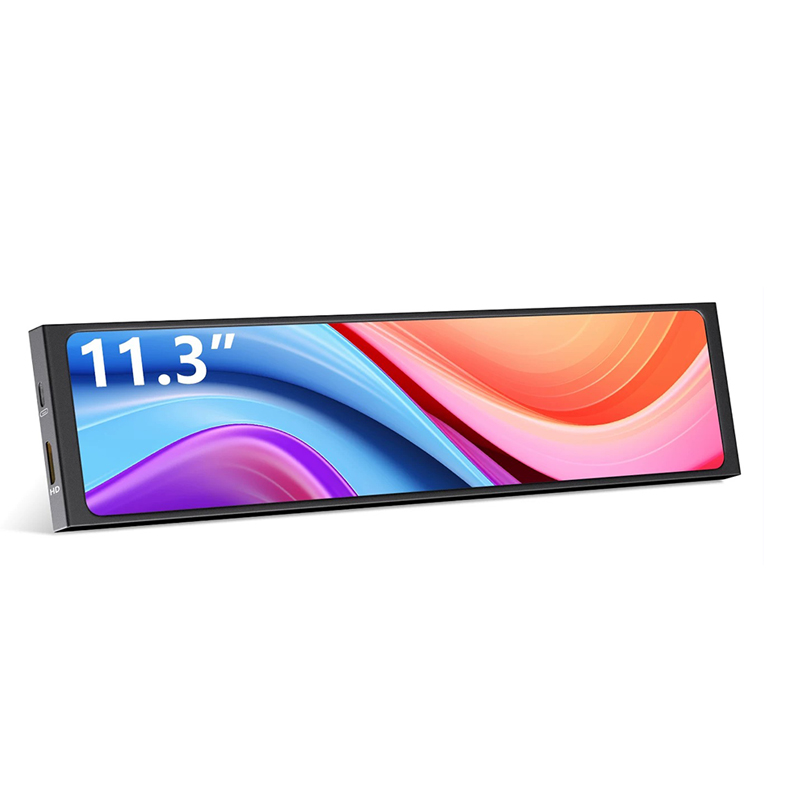
IPS LCD, MINI HDMI / USB-C, 1920X440, 500nits, 60HZ
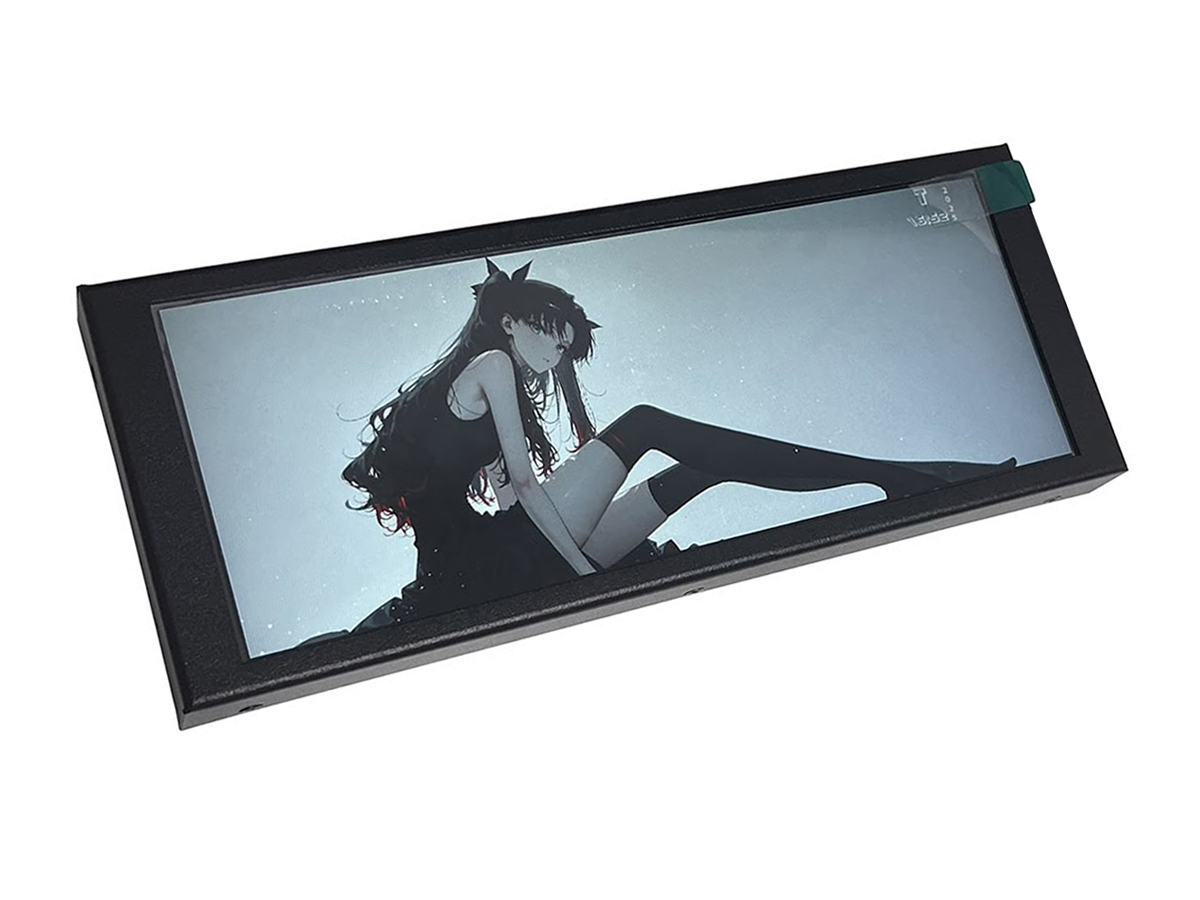
IPS LCD, USB-C / HDMI, 1280X480, 60HZ
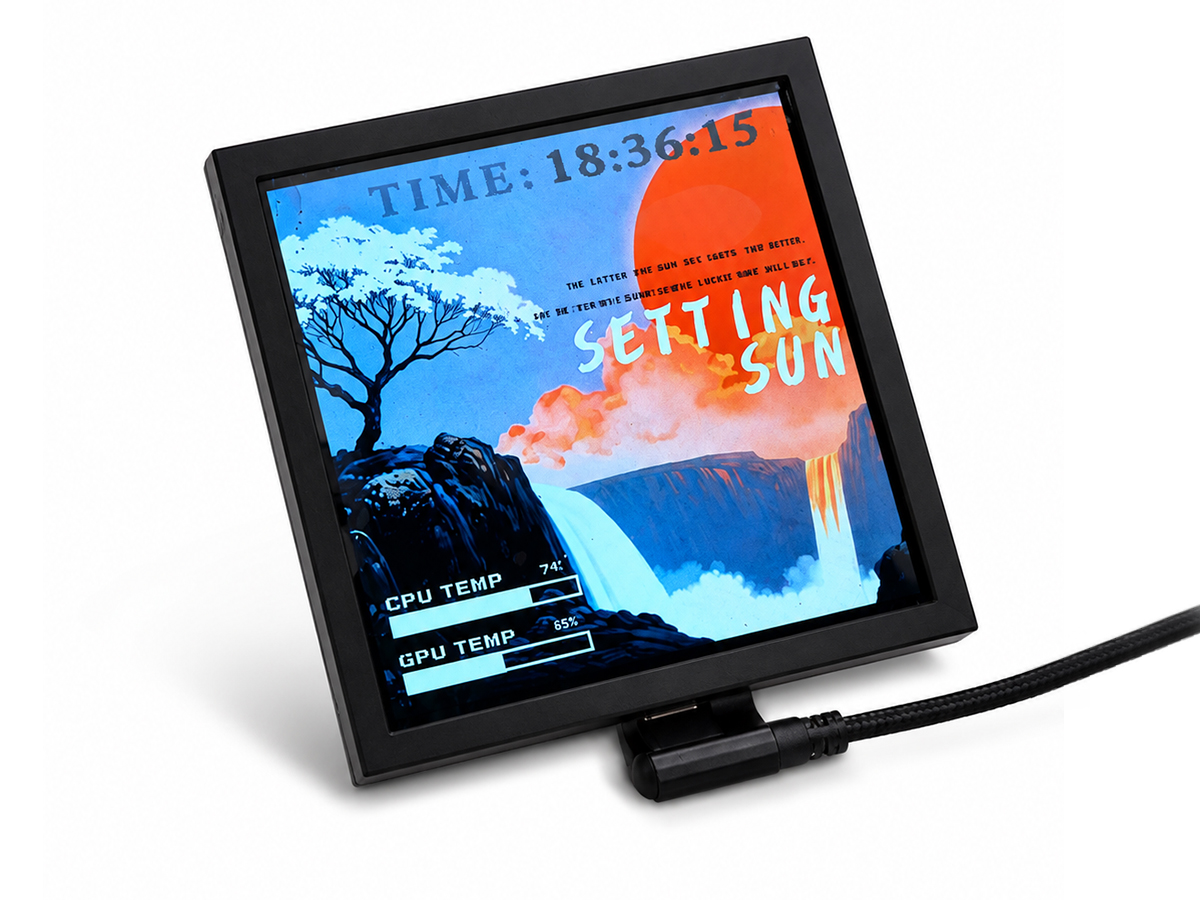
480X480, IPS LCD, Type-C / PH, Software Supported